I started week 6 by uploading all of the sounds that were created on my sound bank onto Pro Tools and placed them where I wanted them to be. I had no real difficulty doing this and it didn’t take a lot of time as I already had a good idea where I wanted these sounds.
Looking into the activity for the second week of effects processing, it focused on the plugins of Digits and Krush. I learnt that Digits is called a phase distortion synth and quoting Wikipedia here “is similar to phase modulation…. Both methods dynamically change the harmonic content of a carrier waveform by influence of another waveform in the time domain”. Also according to Wikipedia at the following link https://en.wikipedia.org/wiki/Synthesizer this method has more complex waveforms other than the standard square, sine and sawtooth waves, this is in contrast to many other synths such as Helm and Massive etc.
Looking into the Krush plugin I can see how easy and simple it is to use and how I am able to incorporate this plugin into my future sounds for the submission of my assessment.
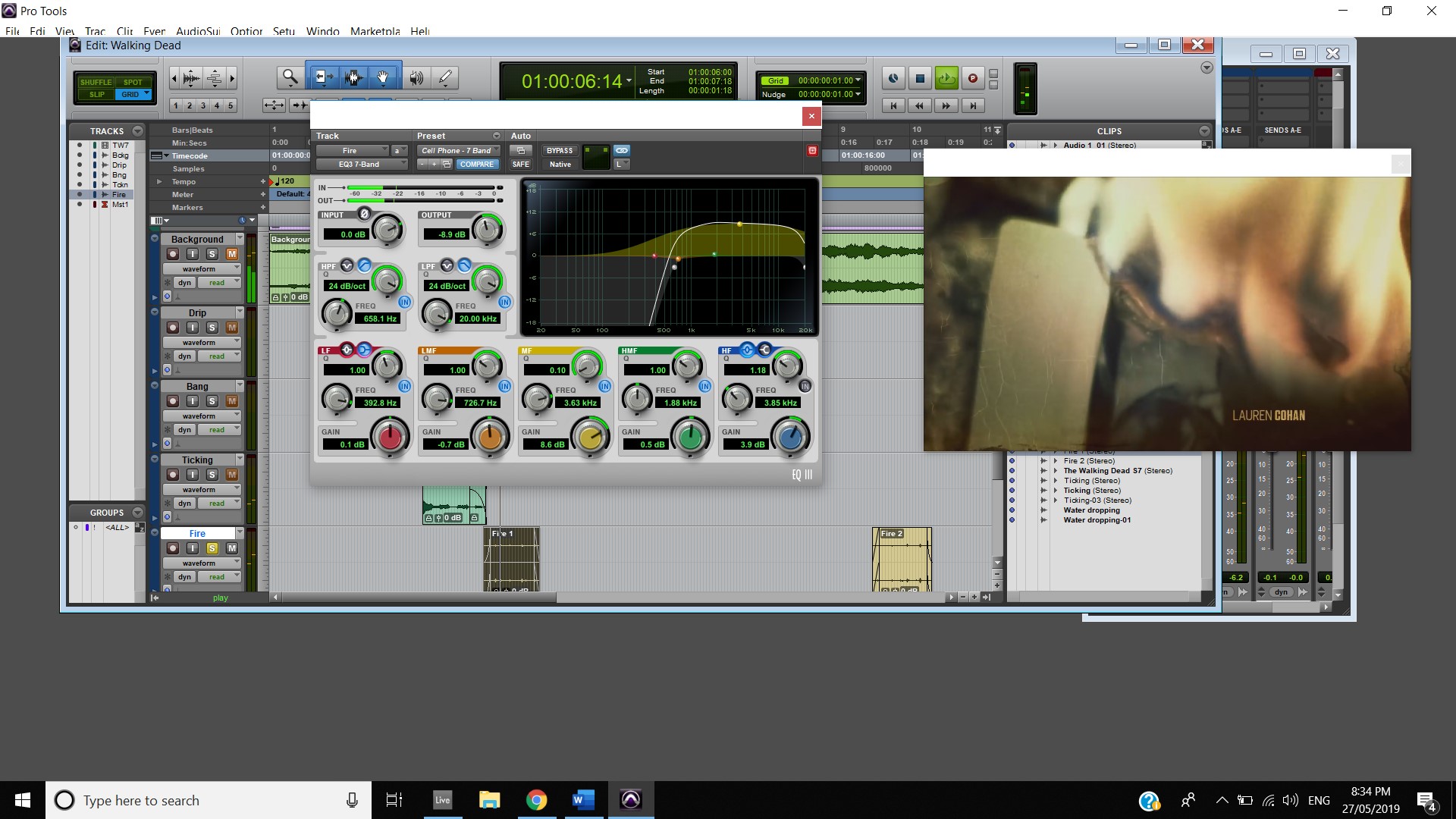
I started work on that fire recording I took last week and uploaded it directly to the Walking Dead Pro tools session. I noticed that during the recording it was quite windy, not to the point where the sound of the fire is unusable but to the point where it is noticeable. So, after I chopped up parts of the recording and placed them in the right position, I went to work trying to remove that background noise of the wind. I started by adding an EQ3 7-Band and trying my best to remove those lower frequencies. I also changed the fades leading in and out of the sound so that the sound doesn’t make that little pop noise. By modifying the EQ3 7-Bands preset Cell Phone to my liking I was actually able to remove most of the background noise. Finally, I added an Expander/Gate and using the Vocal Expander preset I was basically able to full remove the background noise. This sounds a lot better than the sound I started with. I am happy.
I continued on my Nike submission this week, I wanted to start by recording a “roar” using a mic straight into the Pro Tools session for the use of when the man running up the stair’s yells in slow motion. Before starting to record I knew I wanted a roar which was short as I wanted to give it some delay as I think it will compliment the slow motion quite well. I recorded four or five different samples of me yelling into the mic and from there I picked three that I liked and started working on adding some effects to these sounds to see which one sounds the best. I selected a EQ3 7-Band and selected the add subs preset to bring up the low frequencies and then added a Sans Amp and then selected the Crunchy Bass preset and modified the settings a bit to make the lows more evident. I then added the Krush plugin and then selected the preset Crunchy Tremolo and turn the effects right down so it isn’t as strong and provides a similar effect to ping pong delay in Ableton Live. Finally, I added a BBD Delay and modified it so the end of the roar had a nice echo and delay. I then duplicated the track three times and lined up each of the three samples in the correct place so I could compare them. I got rid of one fairly quickly and I couldn’t decide between the last two of them. So, I decided to use both, however on the second one I deleted the Krush and moved the sample a frame later than the first one. I then modified the track panning; I moved the first roar to the left and moved the second to the right. The final product being a loud roar with some nice echoing effects.
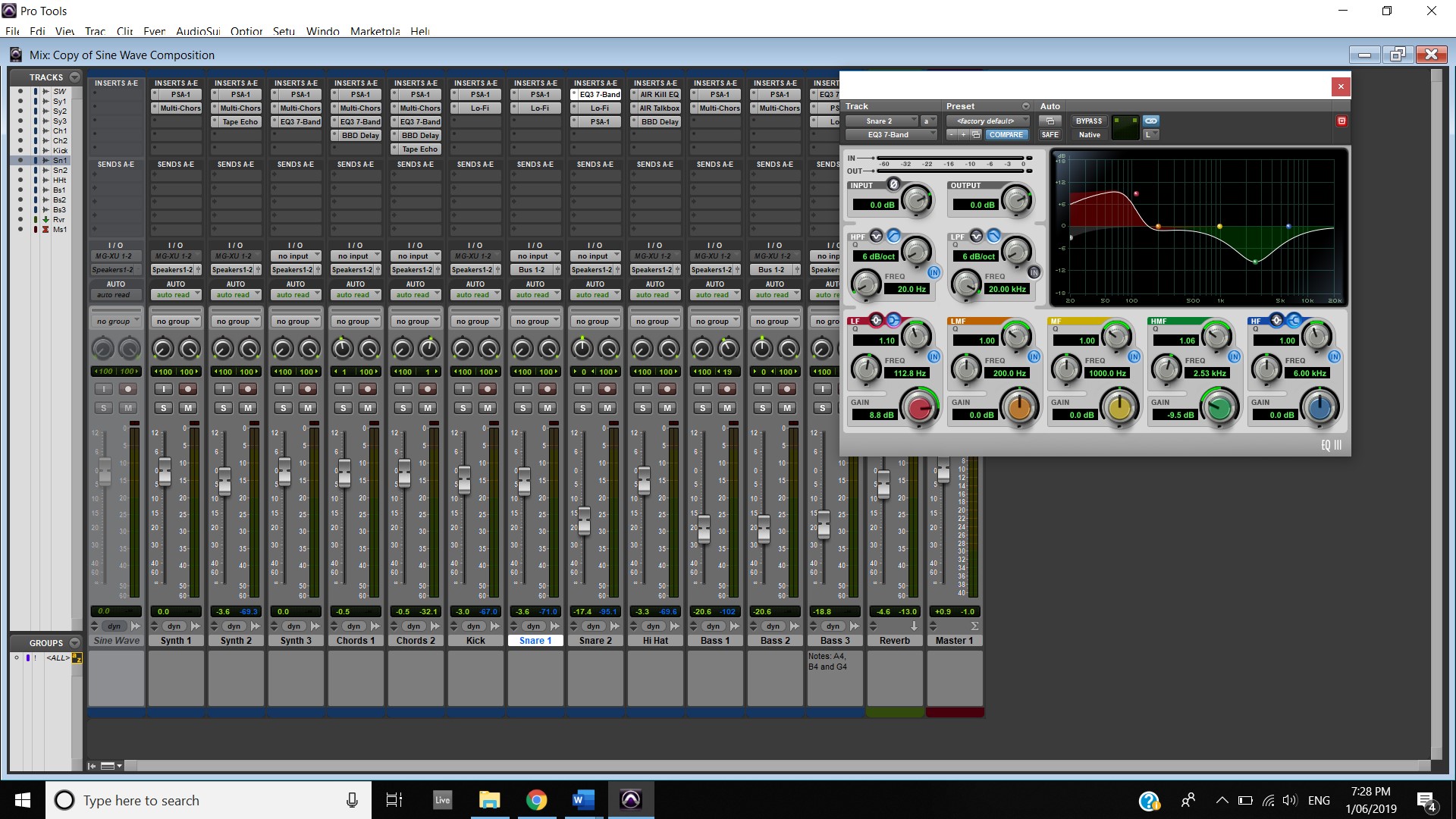
Continuing work on the Sine Wave composition I duplicated the snare track and added an Eq 7 band and modified this to give it a different sound. I then turned the second track down and moved the panning so that the left pan knob is pointing at the 12 o’clock.

 Music weekly blog