Come as You Are is a grunge song by the band Nirvana written by the front man Kurt Cobain and Produced by Butch Vig. It was released in 1992 from the band’s second studio album Nevermind. The track features Kurt Cobain (vocals, acoustic guitar and electric guitar), Kirst Novoselic (bass guitar), Dave Grohl (drums). Nirvana recorded this track on tape and sent this to Butch Vig prior to the recording of the album. During the recording of this song, Cobain recorded his guitar solo in two takes, and vocals in three takes, with the first take being the final one used, it was then double tracked. Cobain also used a Electro-Harmonix Small Clone guitar chorus pedal during the verses and pre choruses to give his guitar a “watery” tone (https://en.wikipedia.org/wiki/Come_as_You_Are_(Nirvana_song)).
This lyrical origin of this track is not actually known, however Nirvana expert Charles R. Cross believes that the possible origin could have come from Aberdeen’s (Kurt’s home town) Morck Hotel whose motto was “Come as you are” and was one of the places in Aberdeen where Kurt crashed during the four months he was homeless after a fight with his mother at the age of 17 (https://musicfeeds.com.au/news/nirvanas-come-as-you-are-lyrics-may-have-a-new-meaning/).
The track is in the key of E minor at a tempo of 120 BPM with a time signature of 4/4 (https://tunebat.com/Info/Come-As-You-Are-Nirvana/0MKGH8UMfCnq5w7nG06oM5 & https://en.wikipedia.org/wiki/Come_as_You_Are_(Nirvana_song)).
During recording, Cobain accidentally sung the lyrics “and I don’t have a gun” early, this is after the fourth “memoria” after the guitar solo at 2:44 mins. When the mistake was discovered, it was decided to be kept in the final recording. Butch Vig also sampled Kurt singing “memoria” from the middle of the song and used it a the end of the song, shown at 3:15 mins – 3:30 mins (https://en.wikipedia.org/wiki/Come_as_You_Are_(Nirvana_song)).
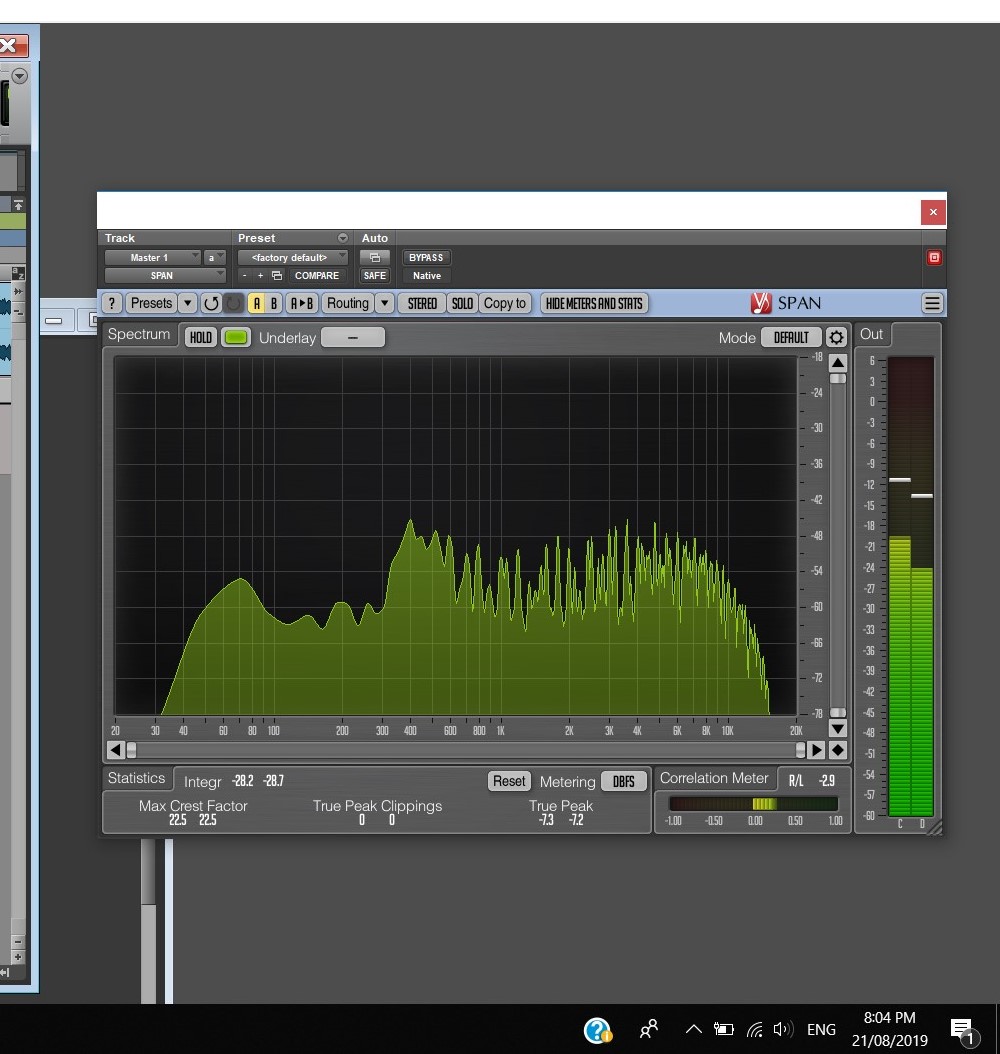
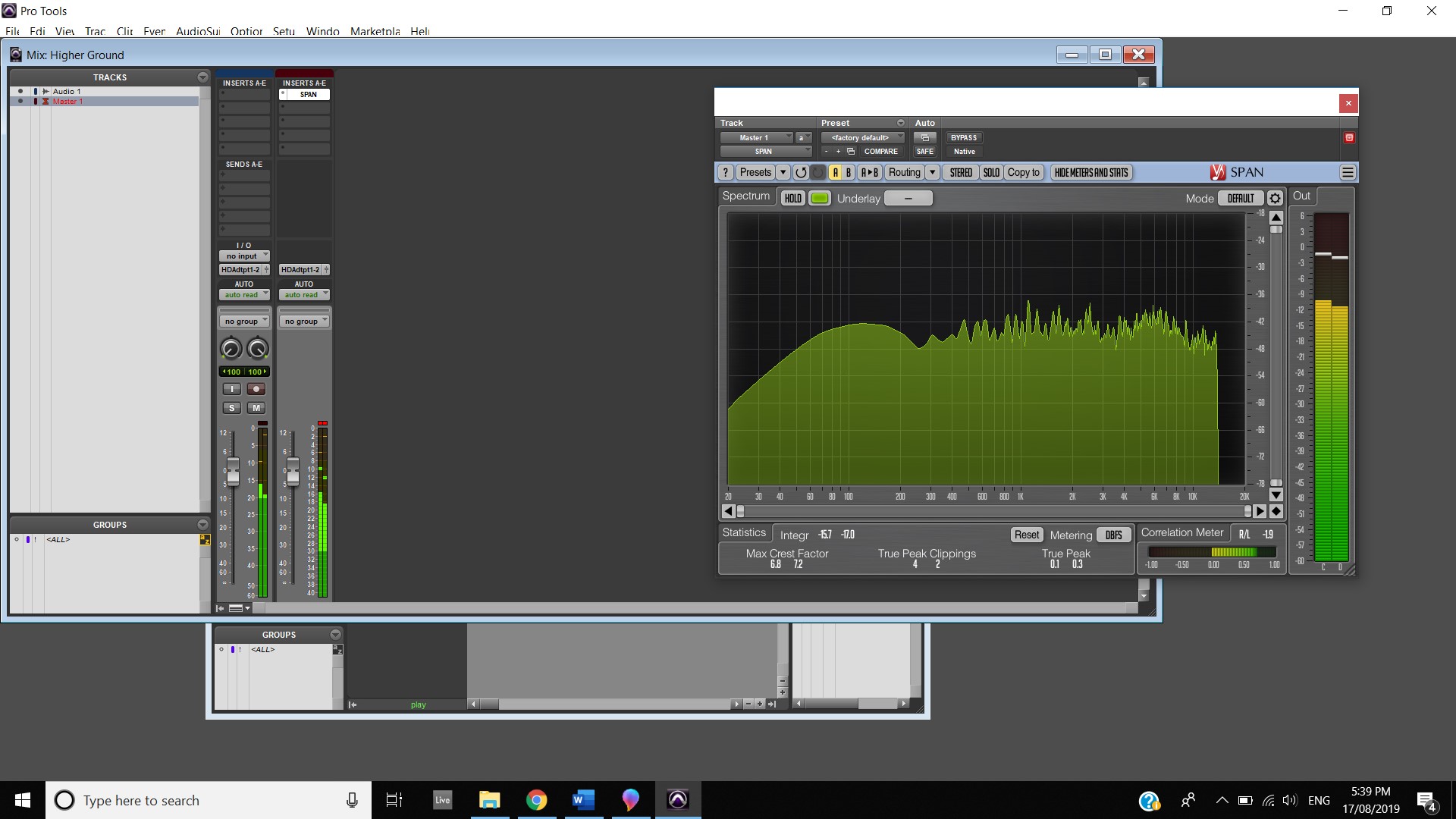
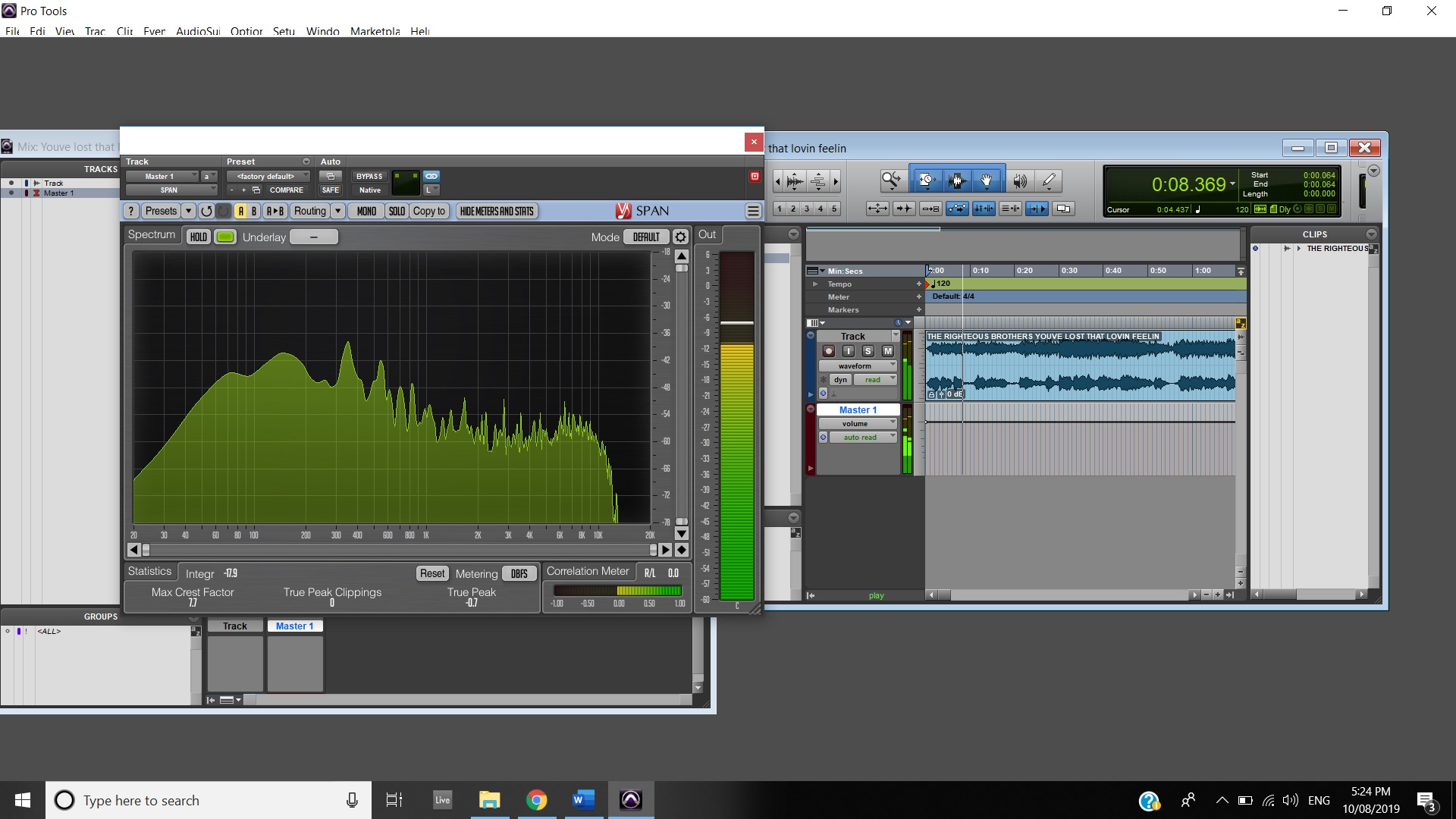
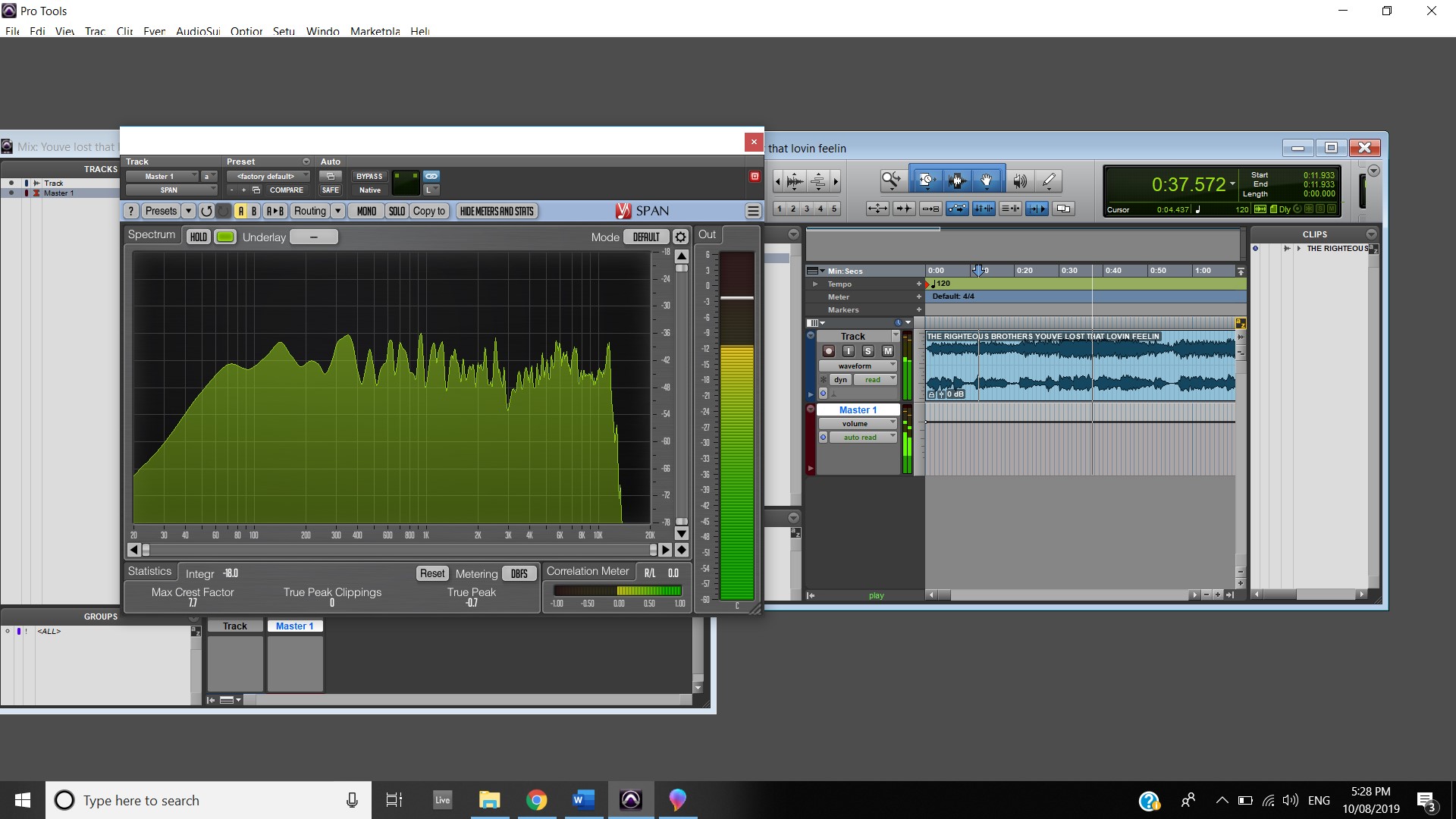
This track has quite a dark, dense tone, this is due to the timbre of the instruments in the track such as the effect the guitar pedal has on the guitar, the way Kurt Cobain sings and portrays his voice and finally the genre of music that Nirvana is known for, which is Grunge which has been described as “ a punk and metal hybrid style of music” (https://en.wikipedia.org/wiki/Grunge). Throughout the song, the frequency response changes and develops. During the intro all of the low frequencies are the centre of attention thanks to the drums and the effect the guitar pedal provides.
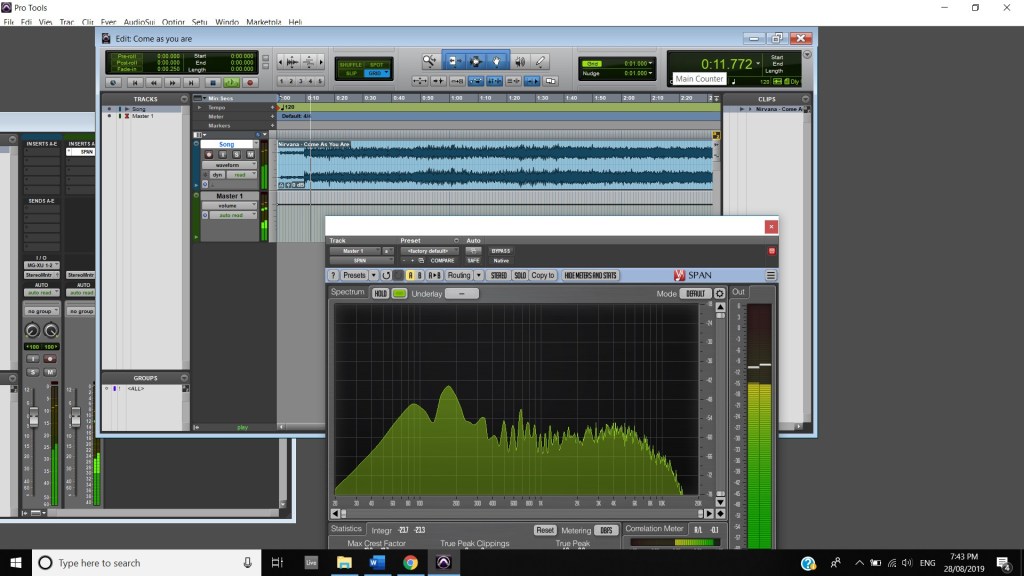
Then as the vocals appear in the mix certain parts of Cobain’s voice spike the mid frequencies in the analyser.
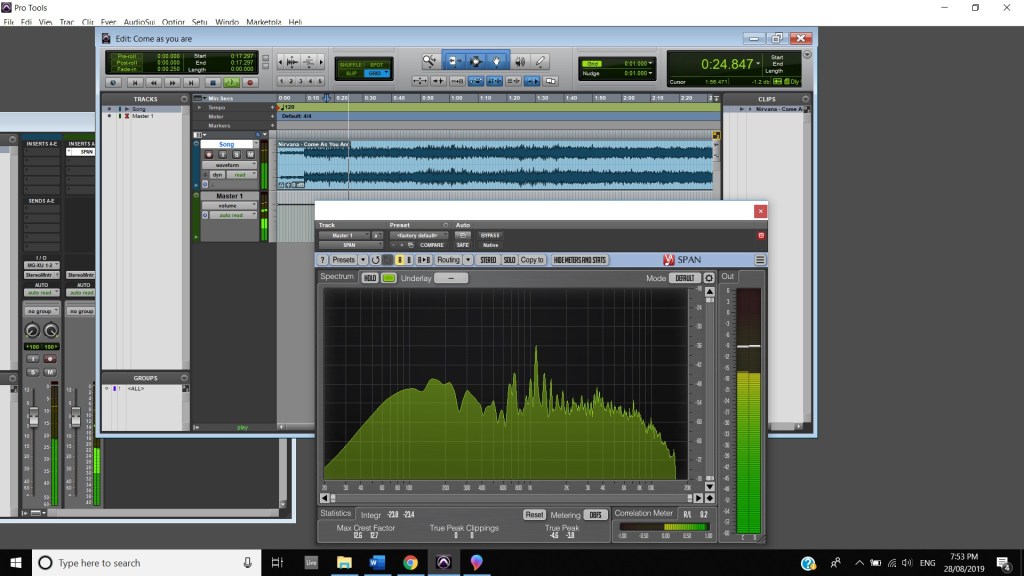
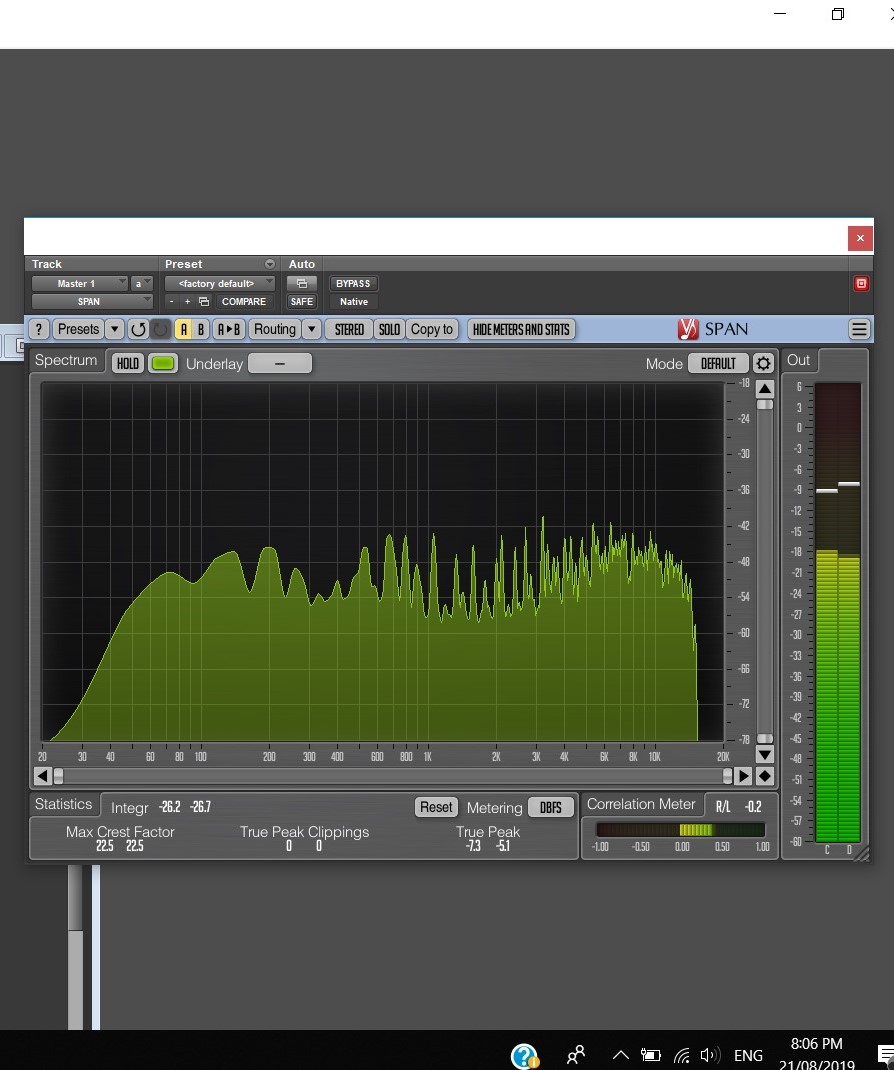
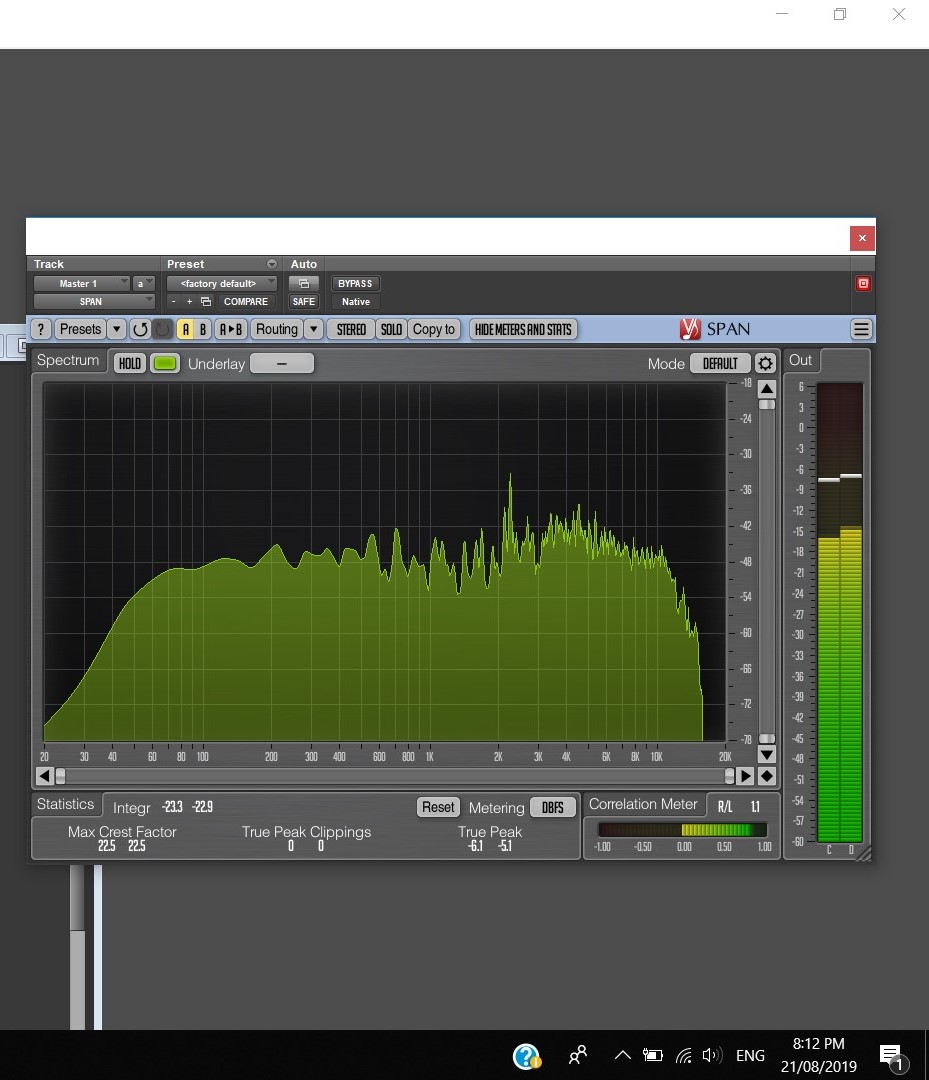
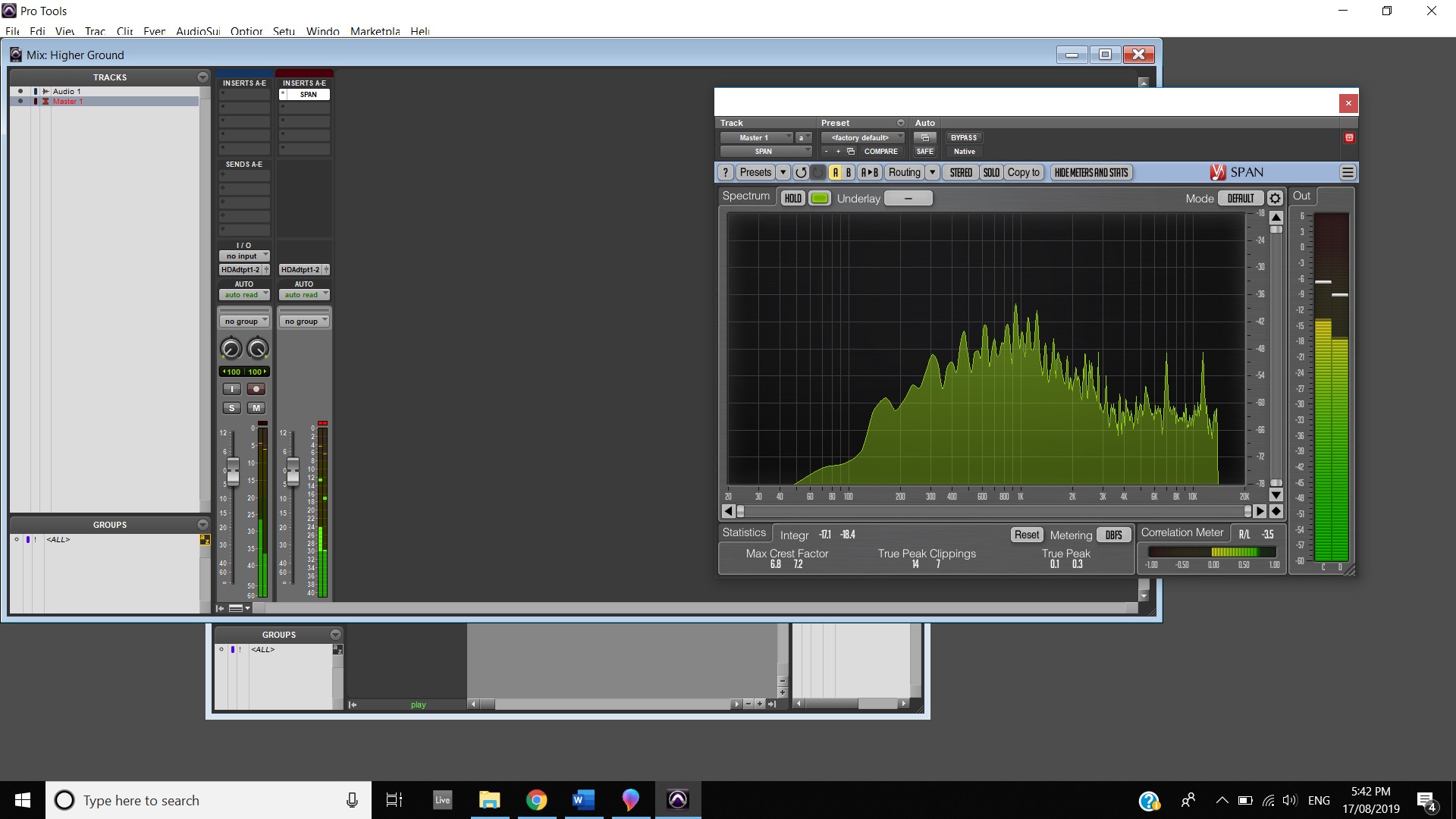
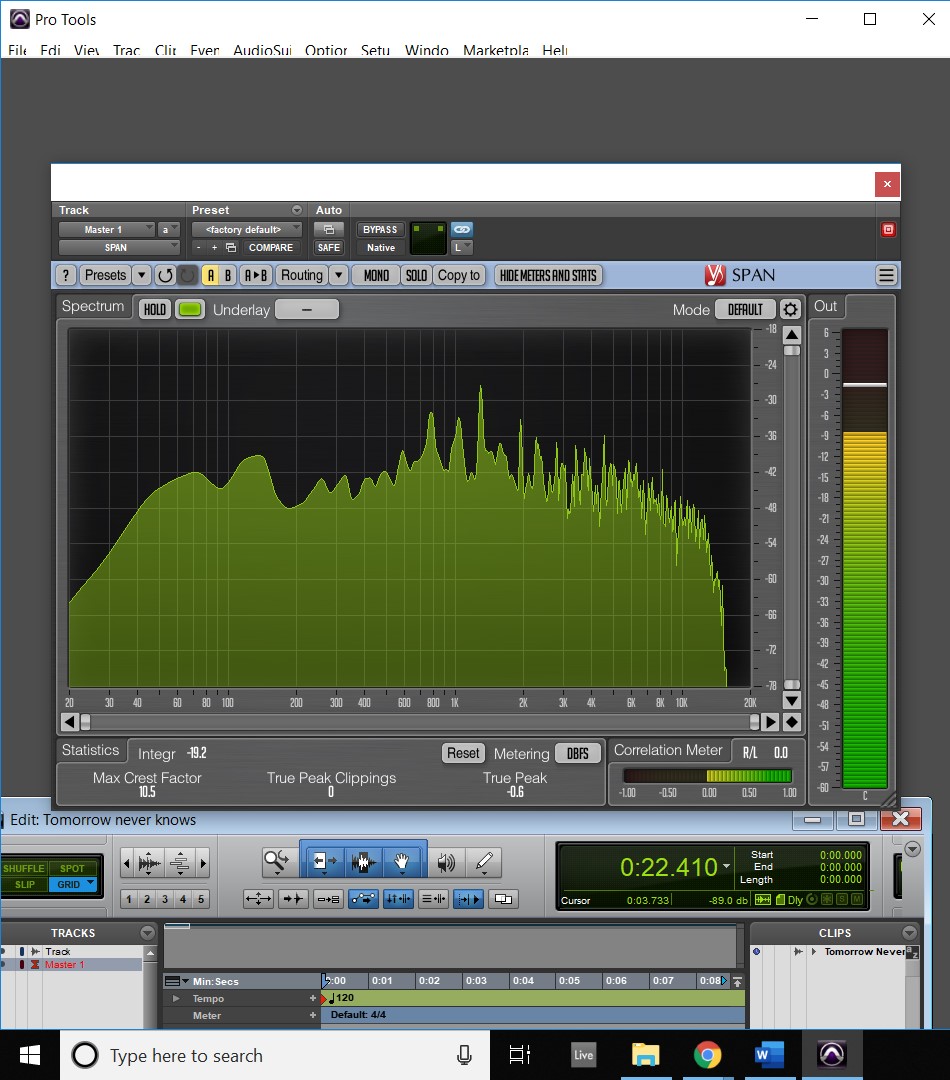
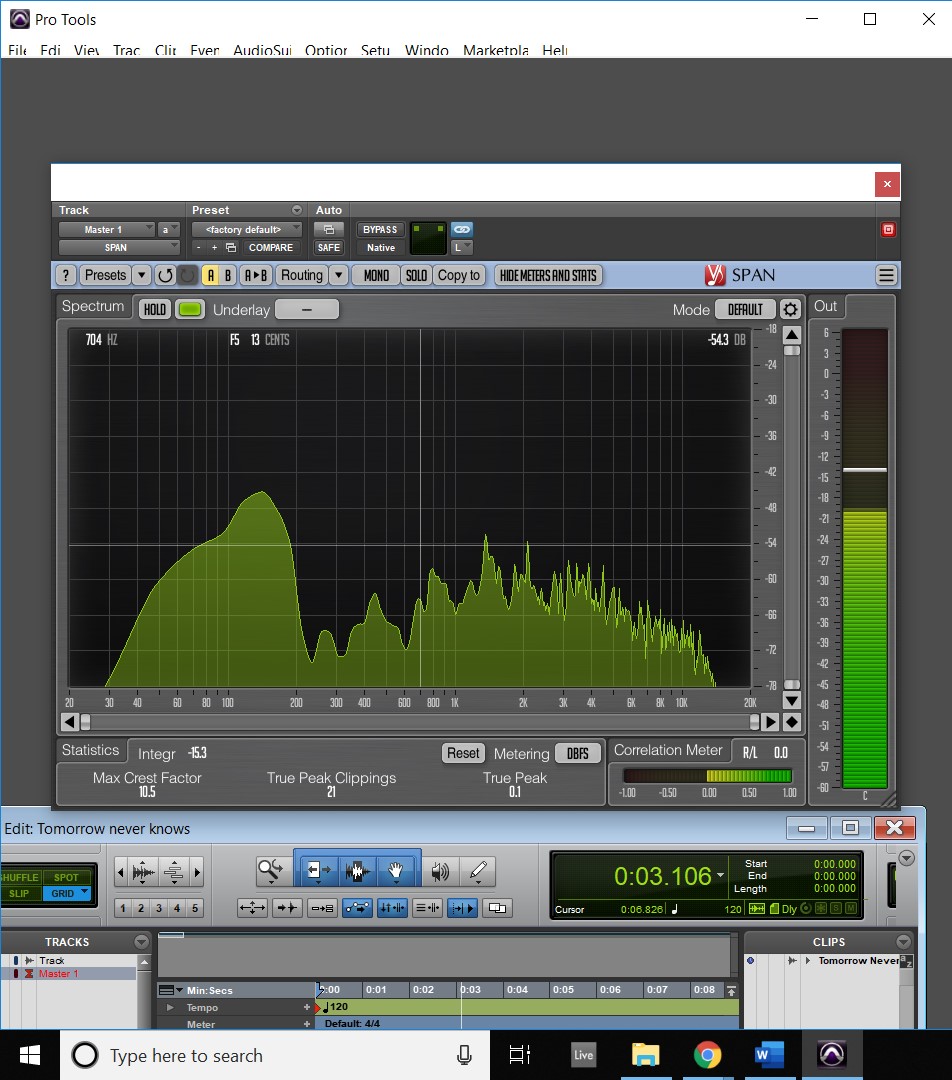
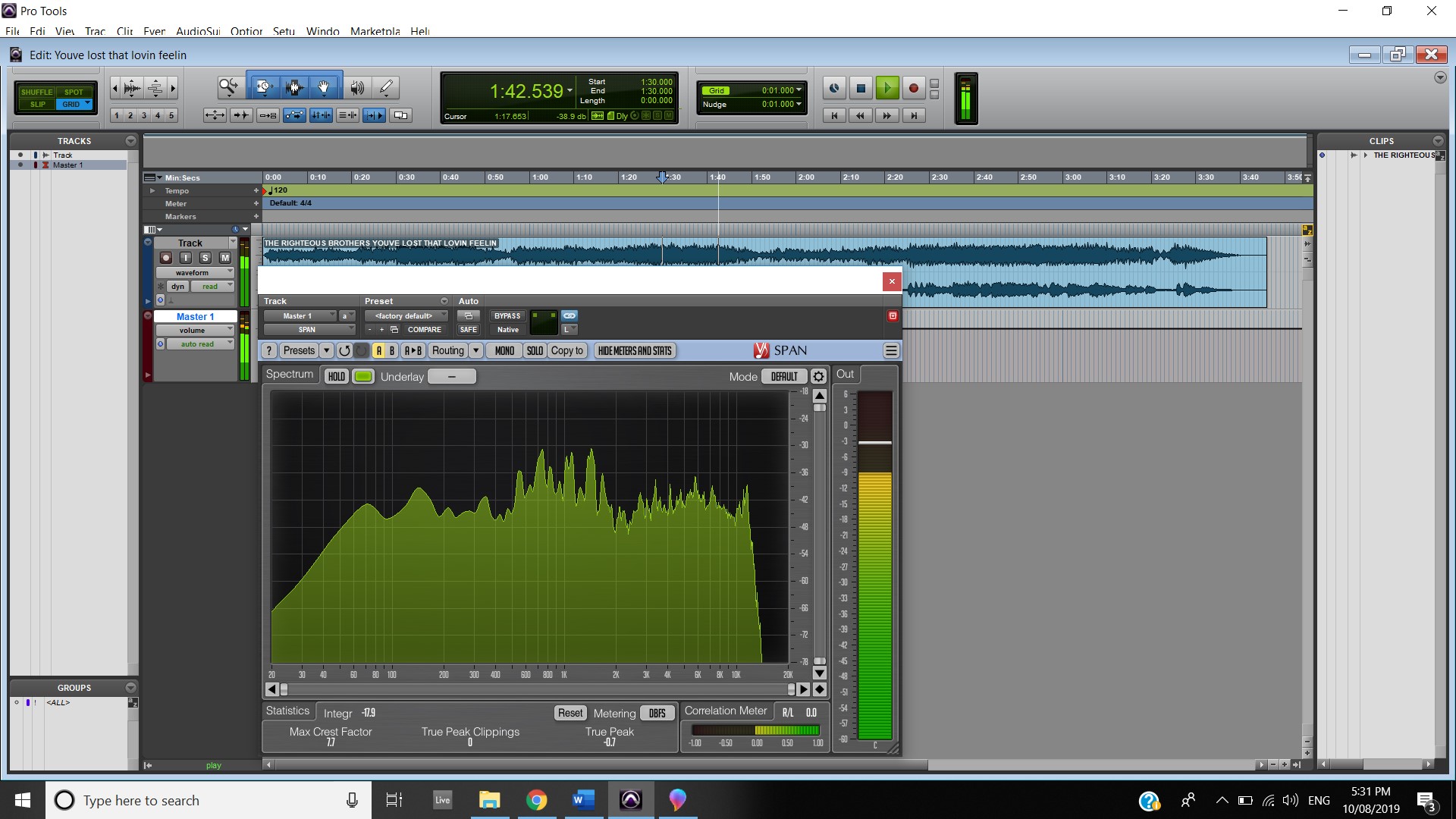
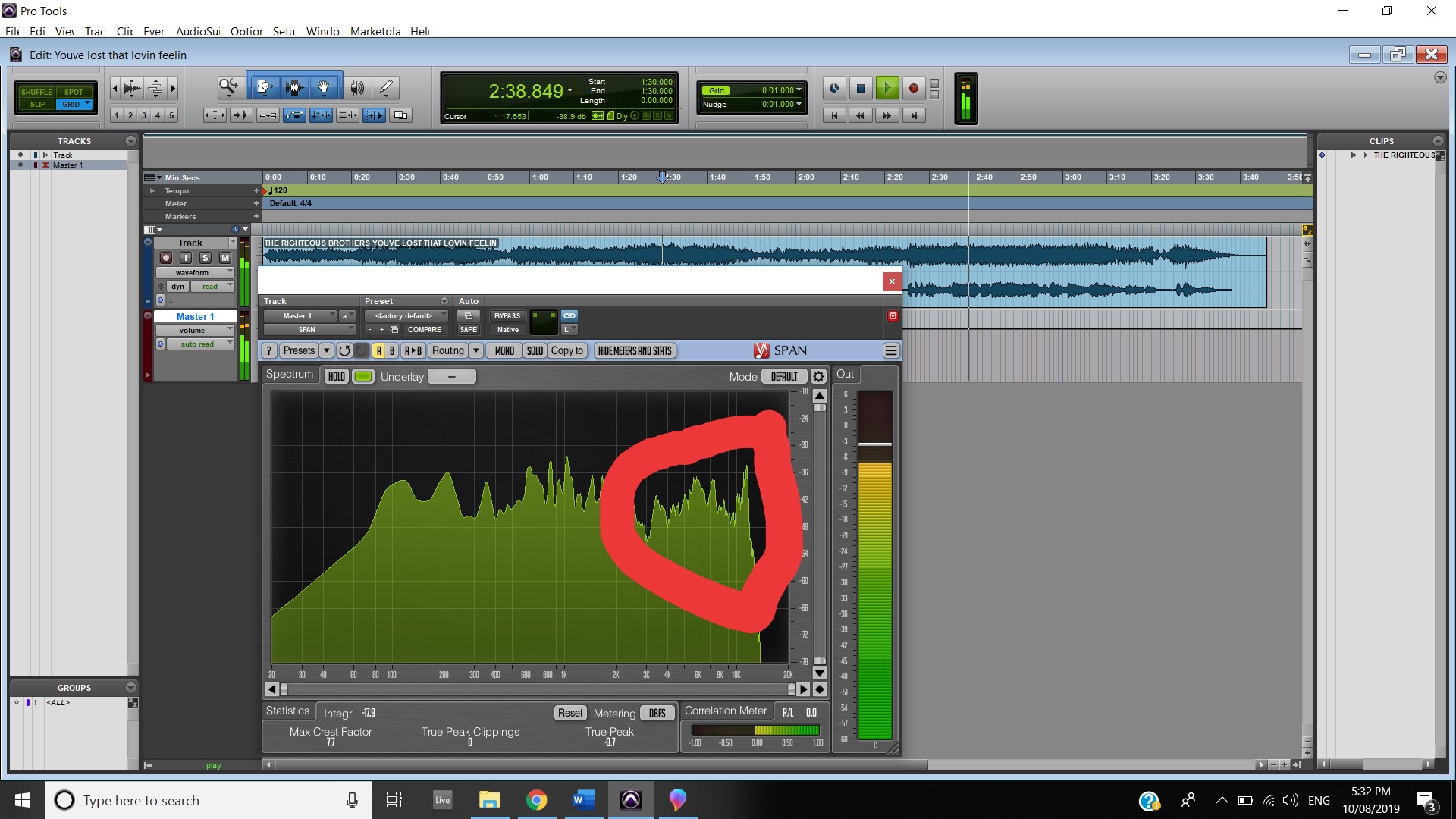
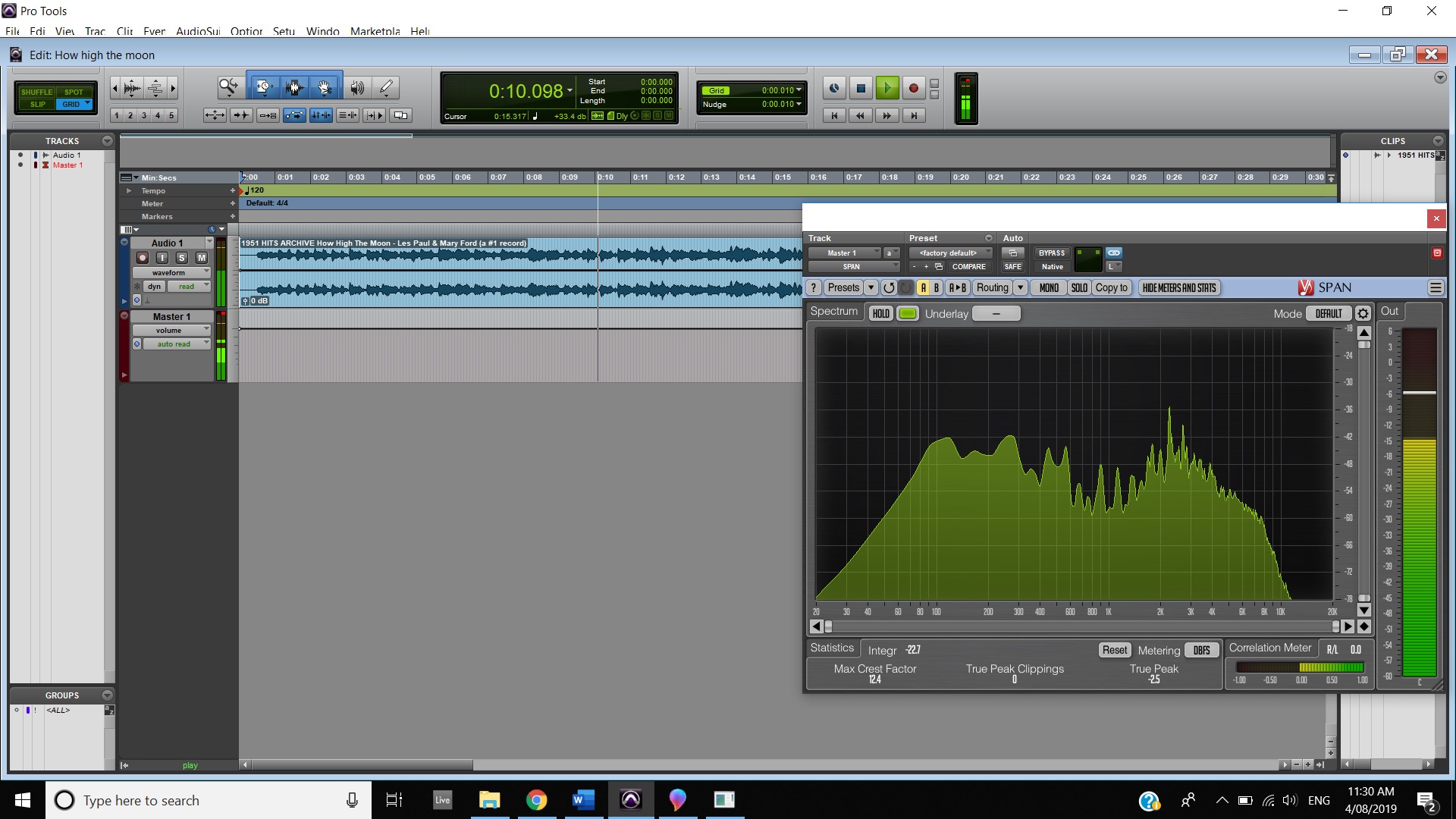
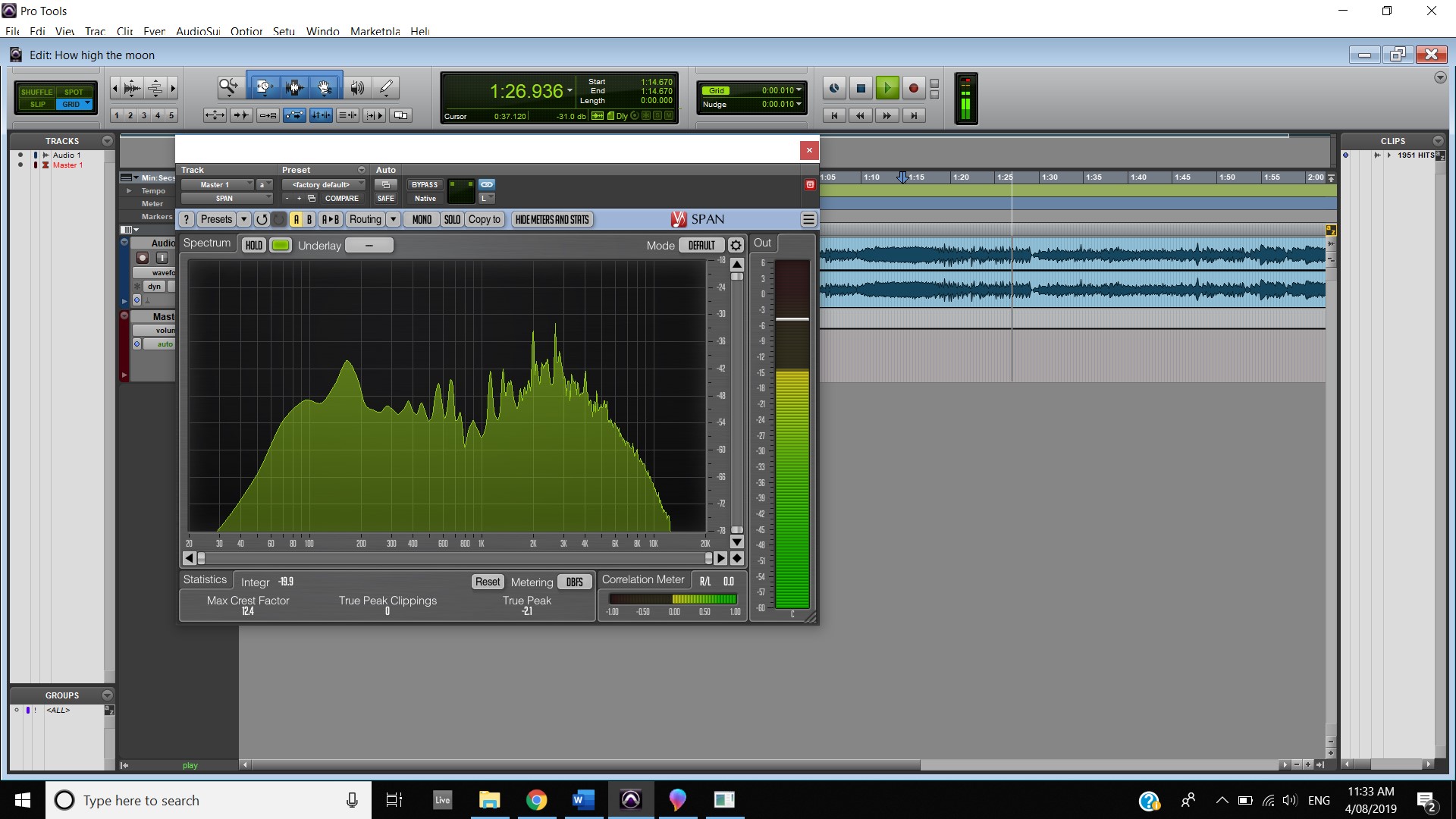
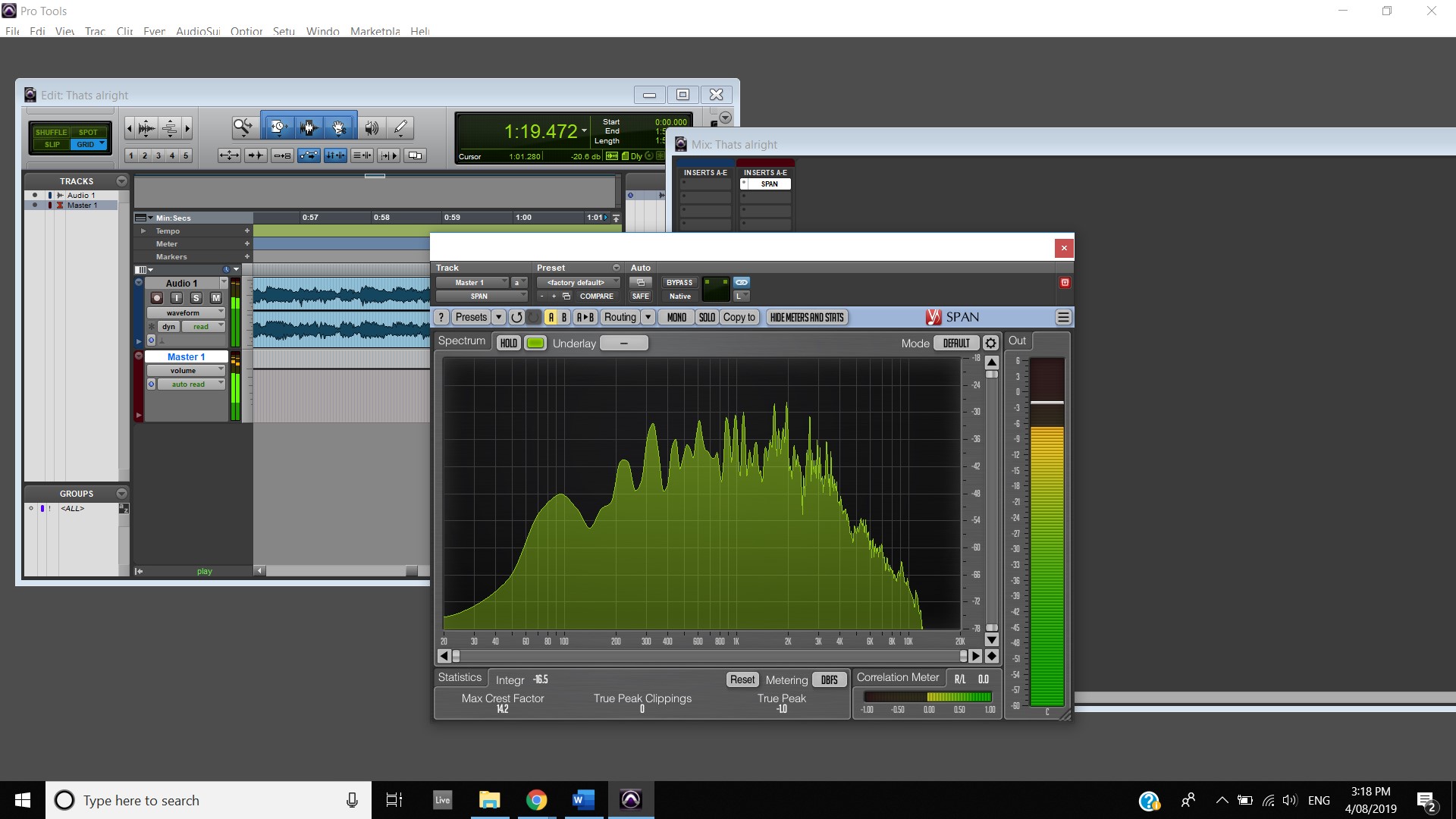
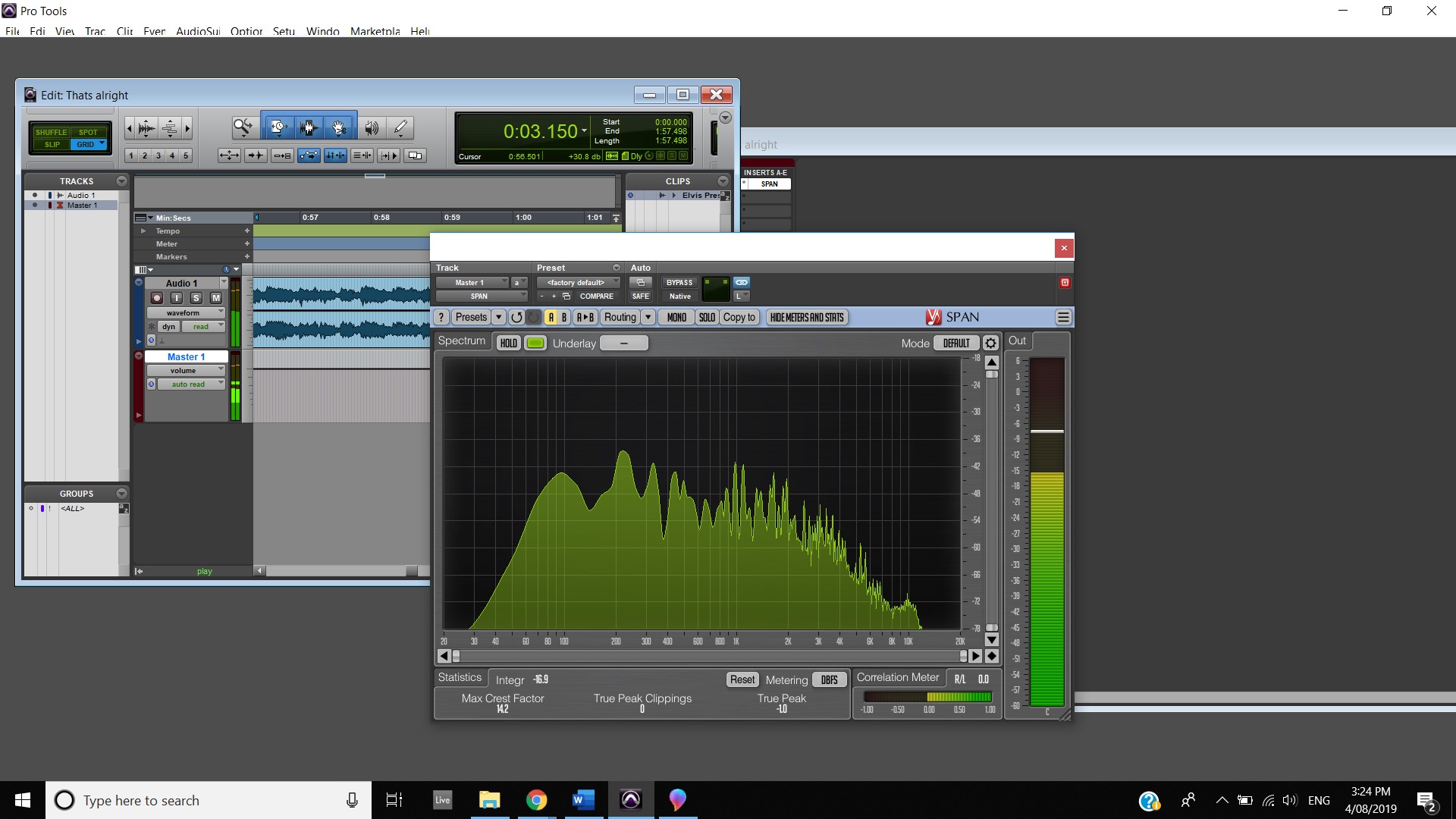
When the guitar pedal effect is taken off all of the frequencies balance out, shown in the first screenshot, although during the chorus the high frequencies boost themselves in the mix, shown in the second screenshot.
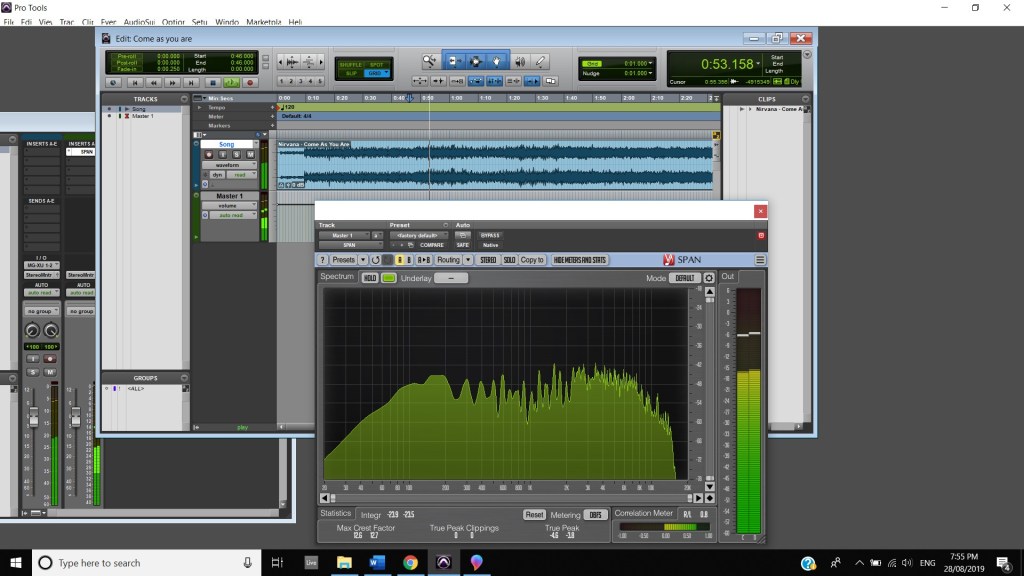
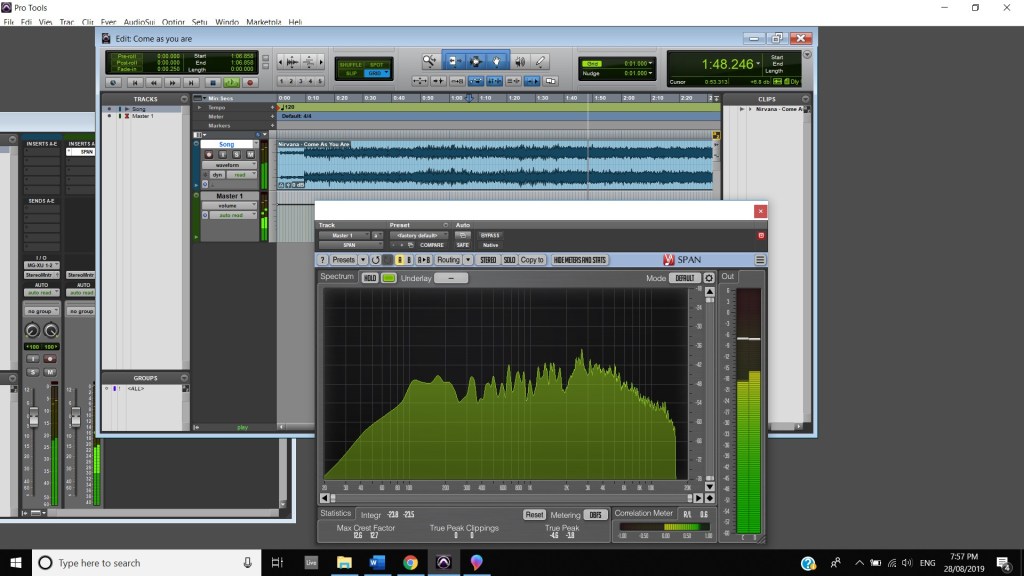
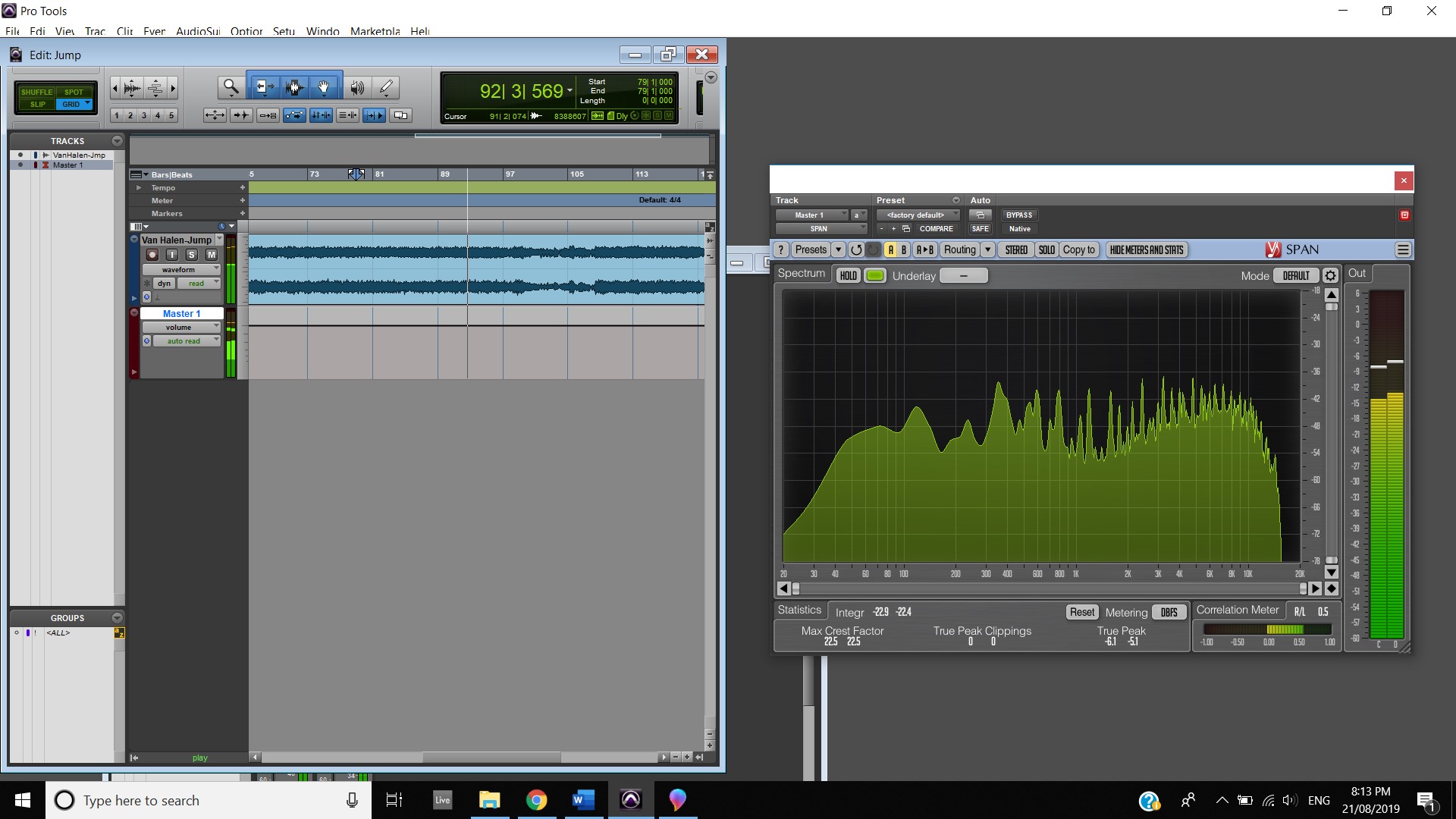
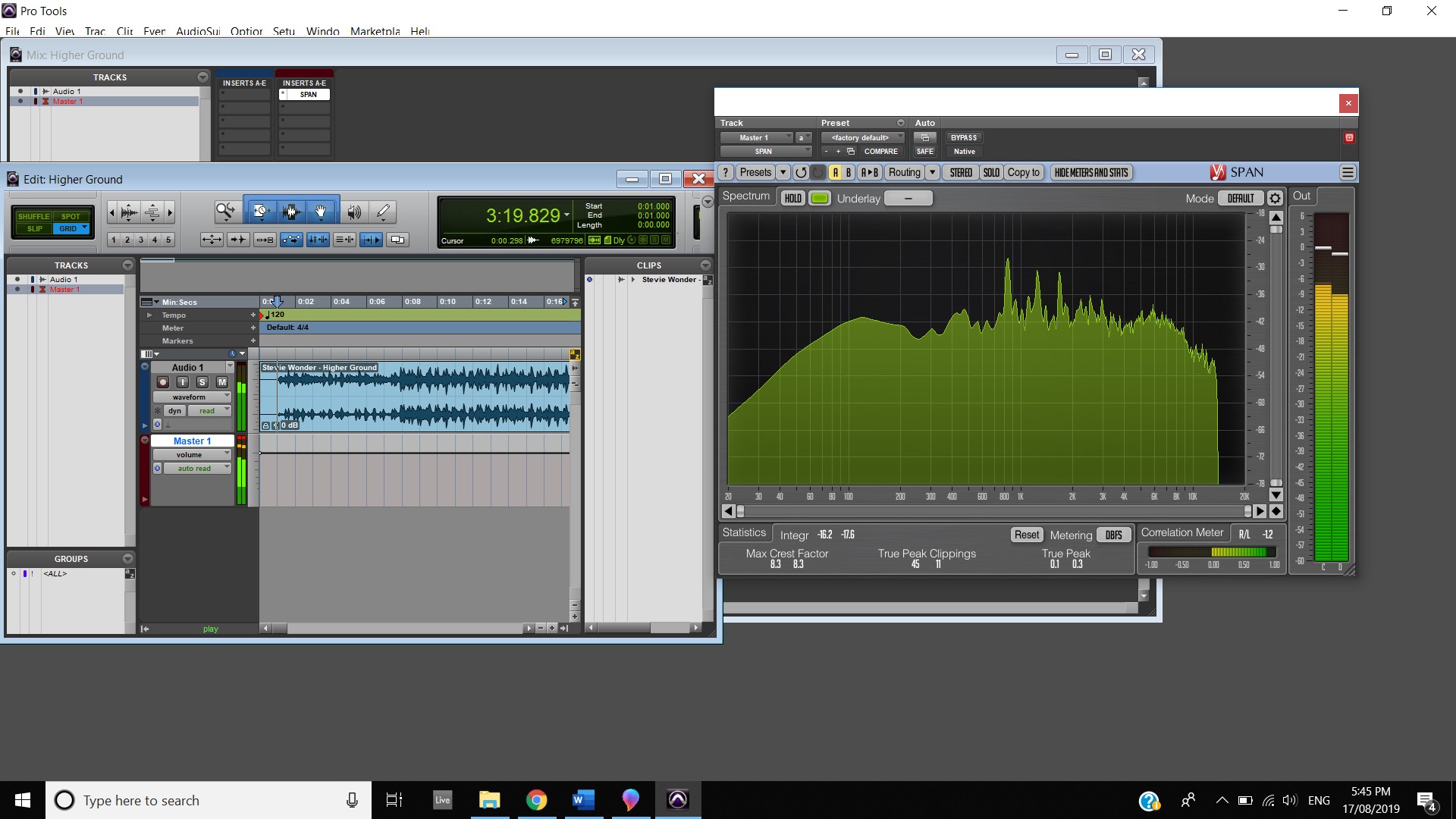
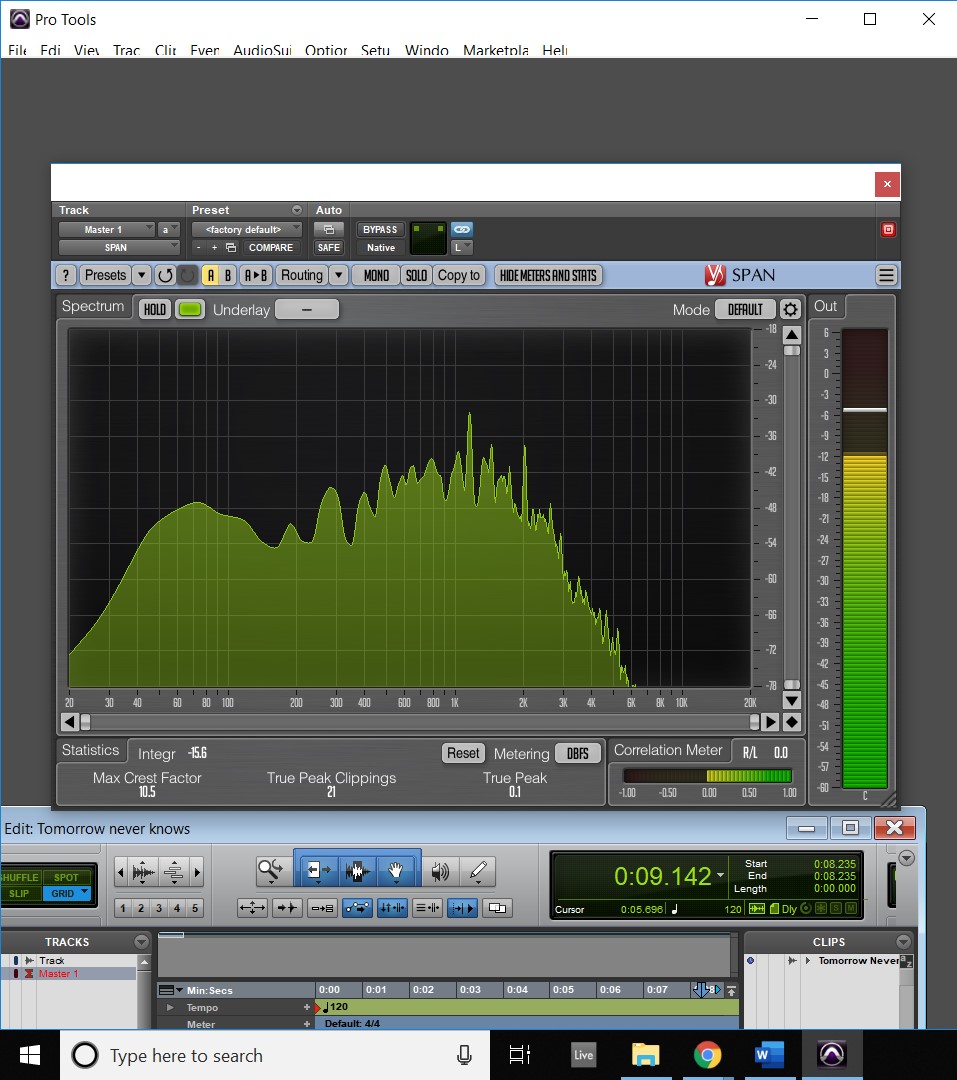
The boosted high frequencies continue throughout the guitar solo (First Screenshot) and when the last two “Memoria” are played where all frequencies even out.
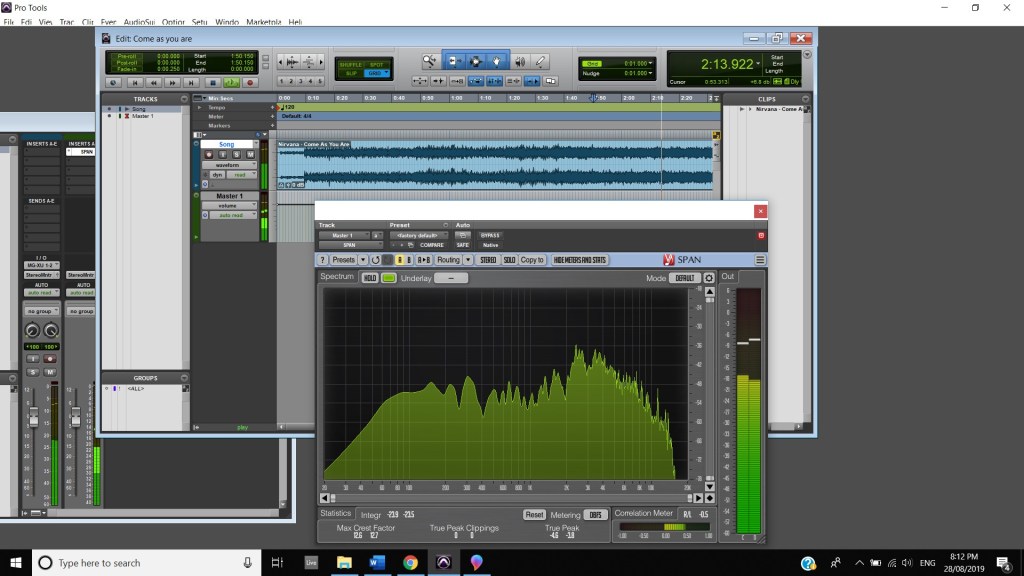
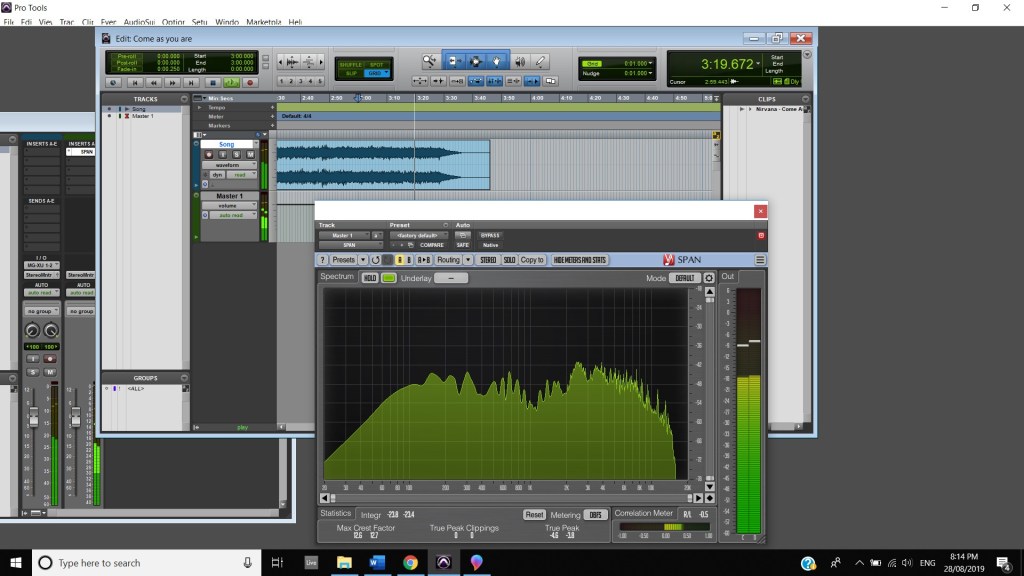
The track is mixed fairly evenly throughout with the track peaking at -3.8 dB during the second Memoria at 1:25 mins, thanks to the drum roll. The track is at its lowest point during the intro where it hits -7.8dB during the intro (0:00 mins to 0:18 mins). After the intro the vocals raise the first verses volume to peak at -5.2dB. The guitar solo (2:00 mins to 2:33 mins) keeps between -6.7dB and -13.dB. Finally, the second loudest part of the song comes at 2:46 mins with the snare drum roll hitting -4.1dB.
In terms of track panning, the majority of instruments featured have centred panning including, the vocals, which feature in the foreground of the mix, the acoustic guitar, which also is in the foreground and the bass, which is placed in the background. The electric guitar featured in the track also has foreground centre panning, however, during the guitar solo, 2:00 mins to 2:33 mins, there is a channel automation occurring where the instruments panning to the left channel and then to the right and so on throughout the solo. Most of the interesting track panning occurs to the drums, the snare drum is always featured in the centre of the mix, the hi hats are in the left channel, the crash cymbal is placed far in the acoustic space, and during the verses it feature in the left channel shown at 0:42-0:44 mins, then it can be heard out of the centre as well as the left channel at 0:50-1:05 mins, finally during the chorus, the crash cymbal automates between the left and right channel as shown at 1:40- 1:55 mins. The Toms also feature in the right channel and this is proven at 1:07 mins.
 Music weekly blog